Sometimes you need the information outside Domo: a printed list for a meeting, or all of a person's data when they request it. Domo lets you do both.
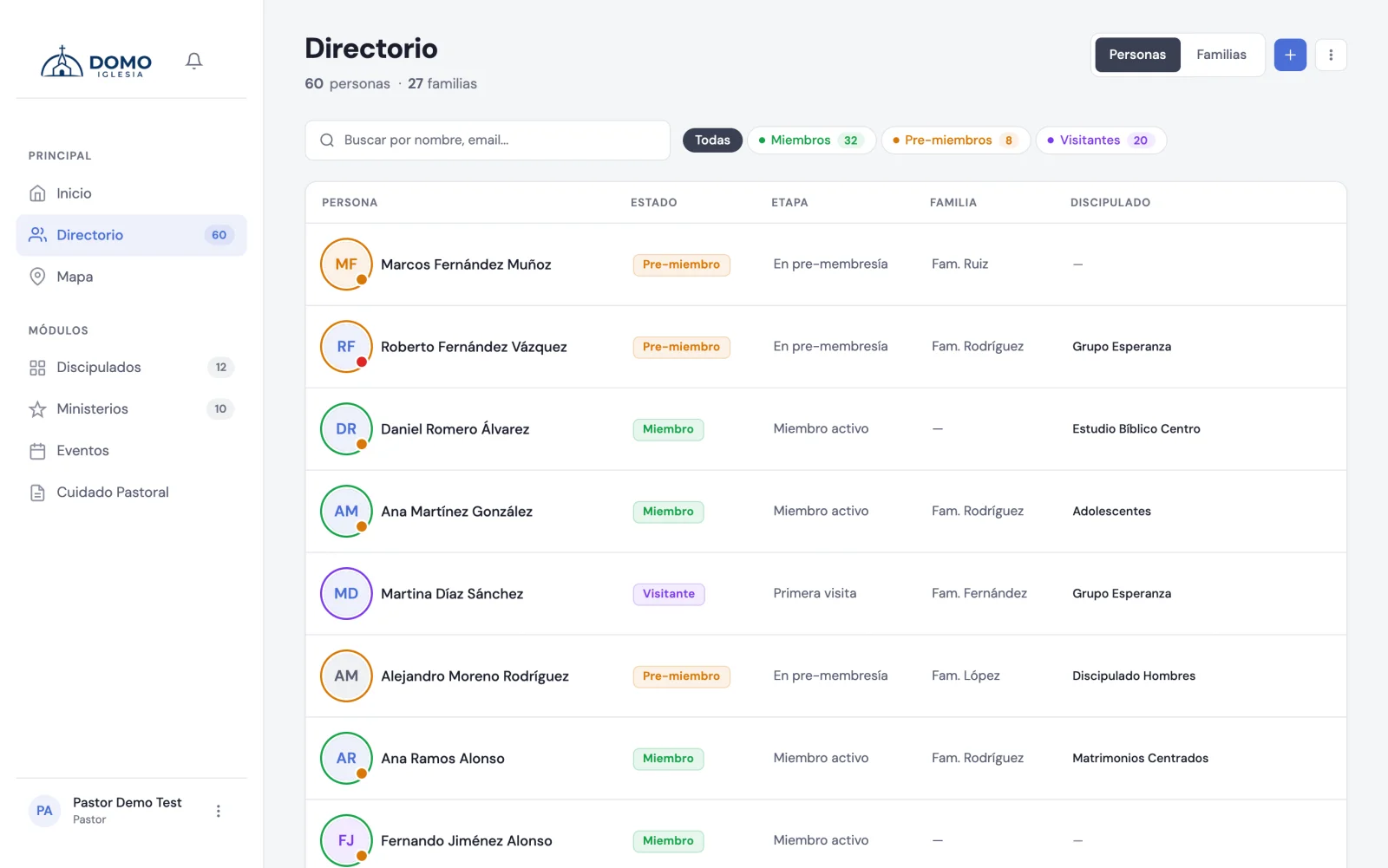
Export the directory as PDF
- Go to Directory.
- If you want, apply a filter or a search (for example, only "Members").
- Open the options menu (the icon next to the add button) and choose Export PDF.
The PDF respects the filter and search you have active, so you can download exactly the list you need.
To export you need the matching permission. If you don't see the option, ask an administrator to enable it from Roles and permissions.
Download all of a person's data
If a person asks for a copy of their information (for example, under data protection law), you can give it to them:
- Open the person's record from the Directory.
- In the record's menu, choose Download data.
A file downloads with all their information: basic details, family, groups and ministries, and stage history. If you have pastoral access, it also includes their notes and tasks.
Every download of this kind is logged in the activity history, so there's transparency about who accessed the information.