Ministries are your church's serving teams: worship, welcome, children, sound, intercession and any others you have. Here's how to set up the first one.
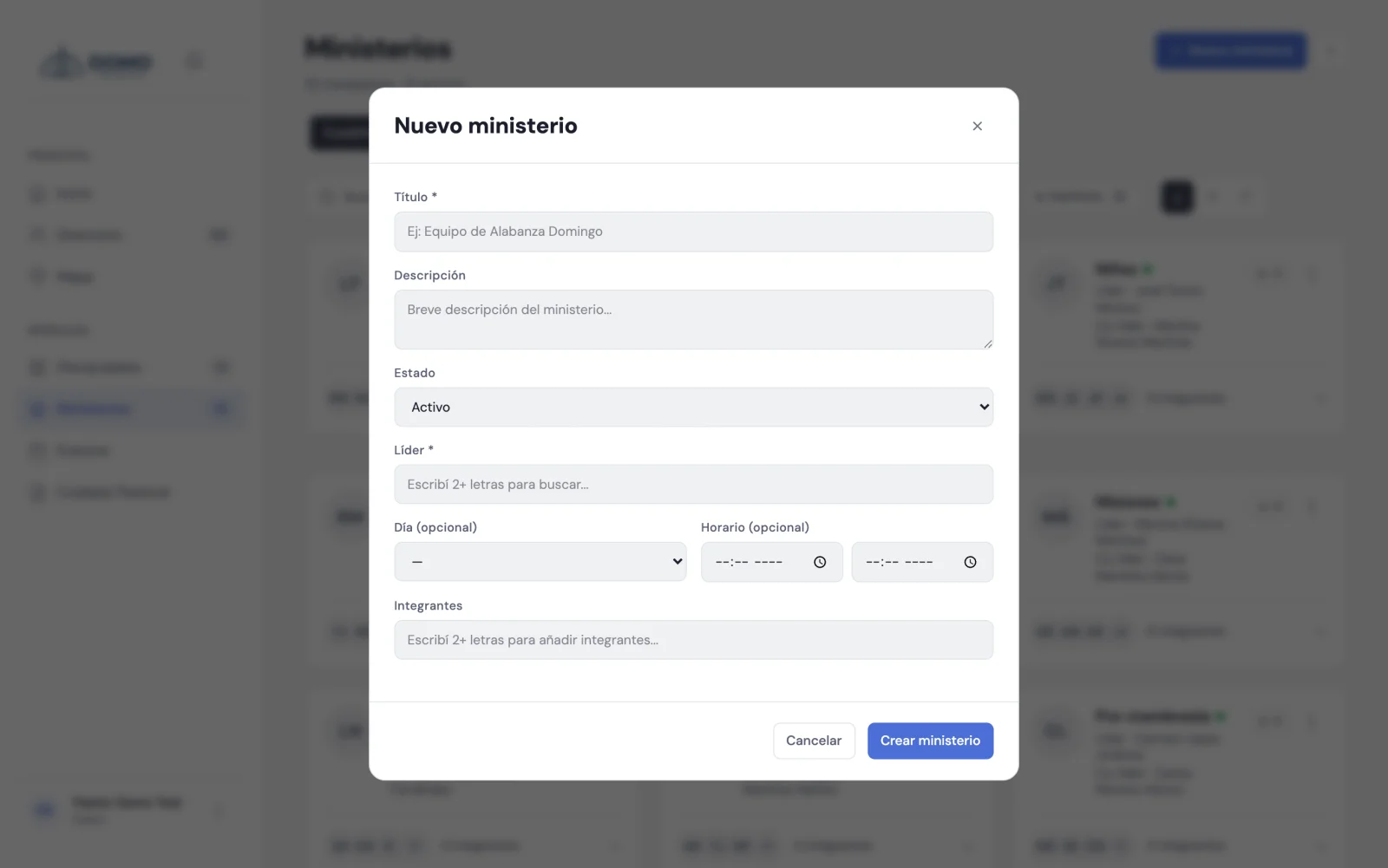
Create a ministry
- Go to Ministries in the side menu.
- Click New ministry.
- Type the title (required), for example "Worship team".
- If you want, add a description and choose the status (active, paused or inactive).
- Assign the leader (required) by searching for their name.
- Fill in the optional fields: co-leader, day and time, and a target size if you want to track a member cap.
- Add the members from the search box. You can give each one a role within the team (for example, "guitar" or "vocals").
- Click Save.
Only people in an active stage (for example, members or attendees) can be leader, co-leader or member. Domo won't let you assign someone marked as transferred, deceased or similar.
Leader and co-leader
The leader is responsible for the team. The co-leader is optional and helps share the leading. You choose both by searching for the person in the directory (type 2 or more letters for suggestions).
Both the leader and co-leader get permission to manage their ministry, even if they're not on the pastoral staff.
Next step
Not sure whether something should be a ministry or a discipleship? We clear it up in Discipleship or ministry?.