Every church has its own space in Domo, with its own web address. Here's how to get into yours.
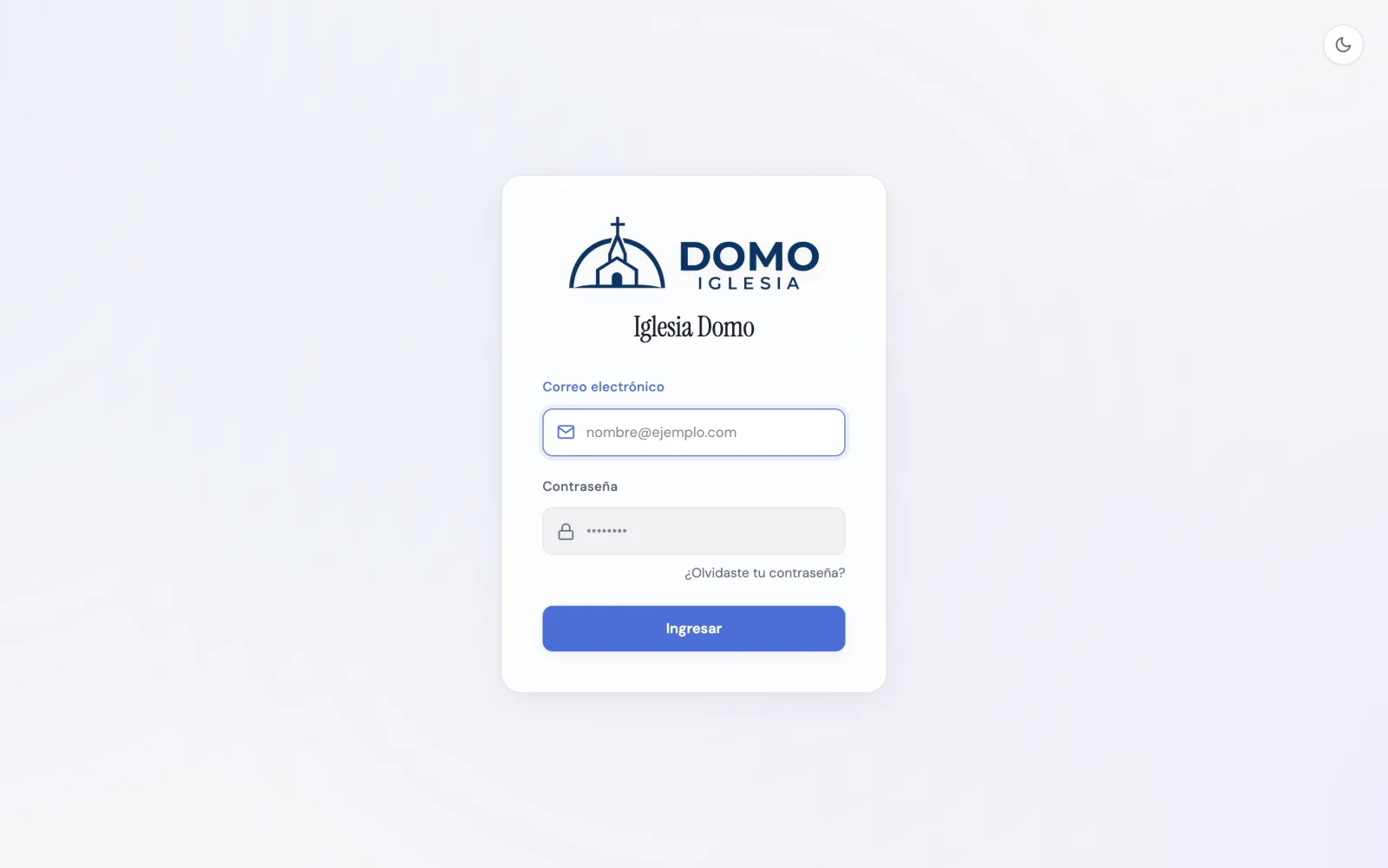
Your access address
Your church's space lives at an address like yourchurch.domoiglesia.com. To get in, add /login or simply open that address.
Bookmark it. It's the front door for your whole team.
Sign in
- Open your church's address.
- Type your Email.
- Type your Password.
- Click Sign in.
Don't remember your church's address?
If you don't remember your subdomain, go to domoiglesia.com/ingresar:
- Type your church's short name (the one you chose when you created it).
- Click Continue.
Domo takes you straight to your church's sign-in screen.
I forgot my password
- On the sign-in screen, click Forgot your password?.
- Enter your email and submit.
- You'll get an email with a link to set a new password.
Did someone create your account with a temporary password? Sign in with it and change it for your own from My Profile.
Next step
Once you're in, a tour of your space awaits: Welcome to Domo.